Building a Lightweight Infant Care Tracking System
Published on Fri Feb 13 2026
As DevOps engineers, we are wired to think in terms of observability, automation, and reliability.
Recently, I applied the same engineering mindset to a deeply personal use case — building a lightweight infant care tracking system to manage feeding routines, health logs, and alerting workflows during the early parenting phase.
This wasn’t built for scale or external users.
It was designed as an internal, reliability-focused system to reduce cognitive load during sleep-deprived days and nights.
🎯 Problem Statement
Infant care in the first few months revolves around time-sensitive routines:
- Feeding at regular intervals
- Monitoring intake volume
- Tracking fever events
- Logging medicines
- Coordinating updates between parents
Manual tracking quickly becomes unreliable — especially overnight.
The goal was to design a system that could:
- Log events quickly
- Detect feeding gaps automatically
- Trigger alerts only when necessary
- Avoid notification fatigue
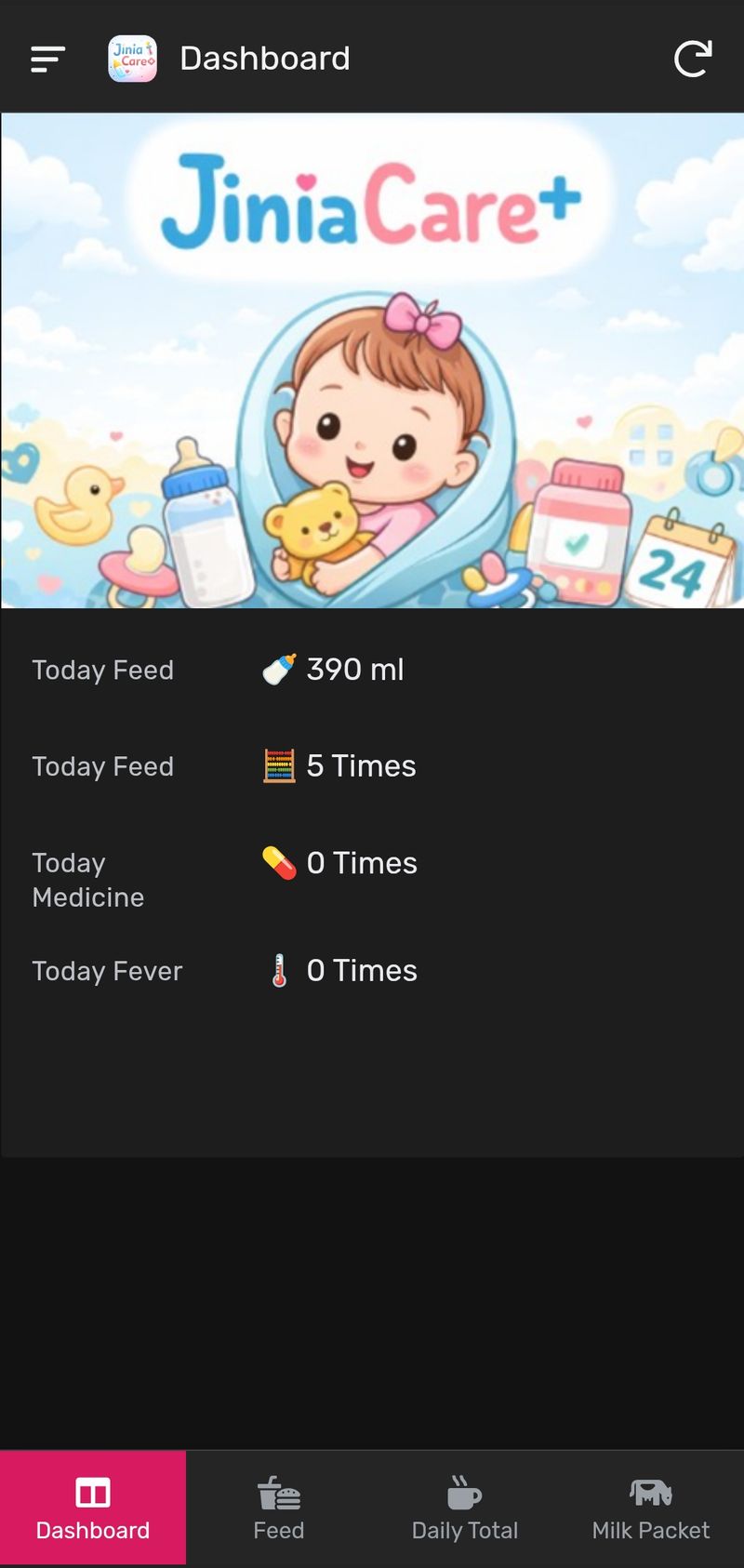
- Provide daily intake visibility
🏗️ Architecture Overview
The system was intentionally built on a minimal no-code stack:
App Layer: AppSheet
Data Store: Google Sheets
File Backend: Google Drive
This setup provided:
- Structured relational data
- Real-time sync across users
- Native automation capabilities
- Zero infrastructure overhead
🗄️ Data Modeling
Primary tables included:
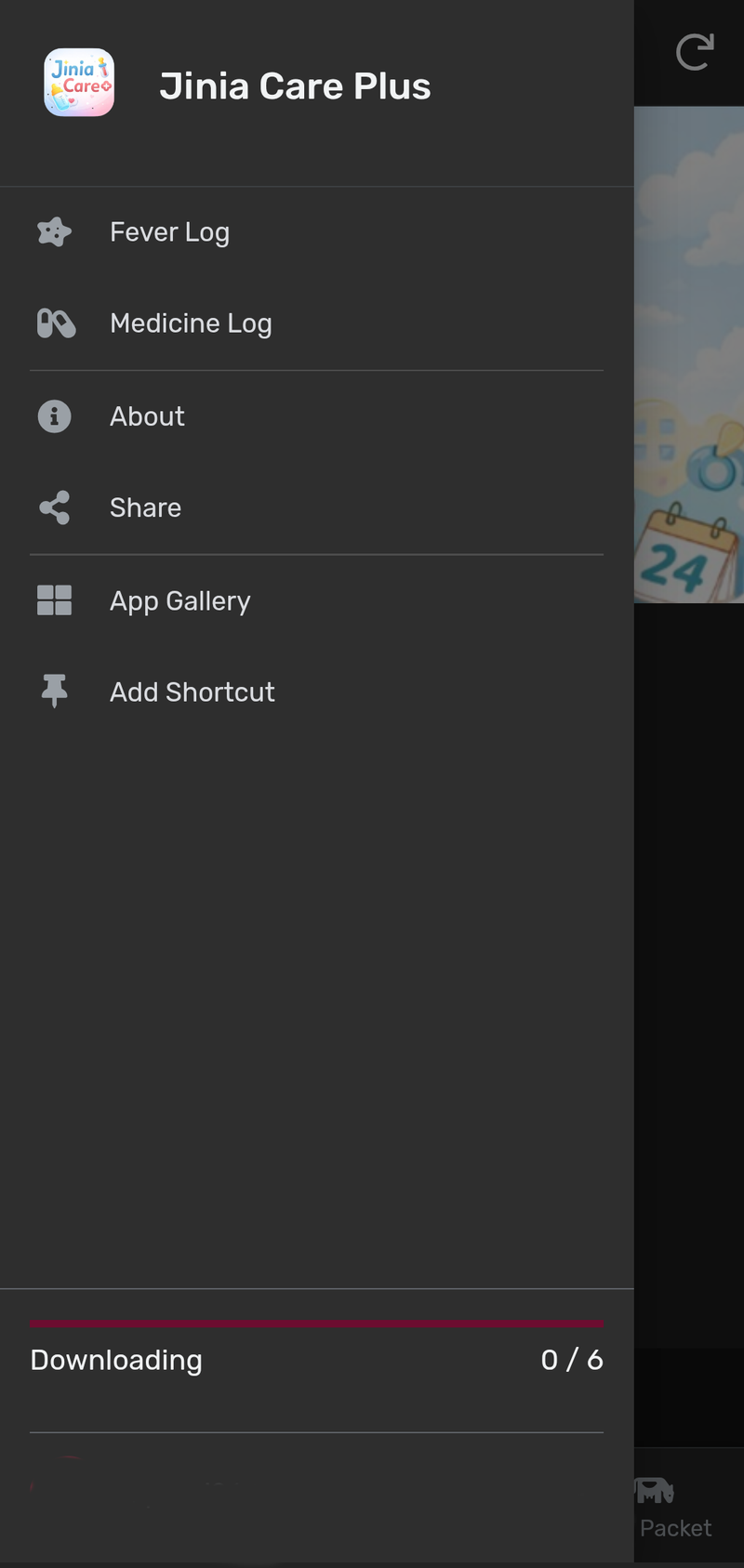
Feed Log
- DateTime
- Feed Amount (ml)
- Notes (e.g., “New Pack”)
- User
Fever Log
- Temperature
- DateTime
- Notes
Medicine Log
- Medicine Name
- Dose
- Timestamp
Data normalization was kept lightweight to maintain fast entry UX.
⚙️ Automation & Alerting Design
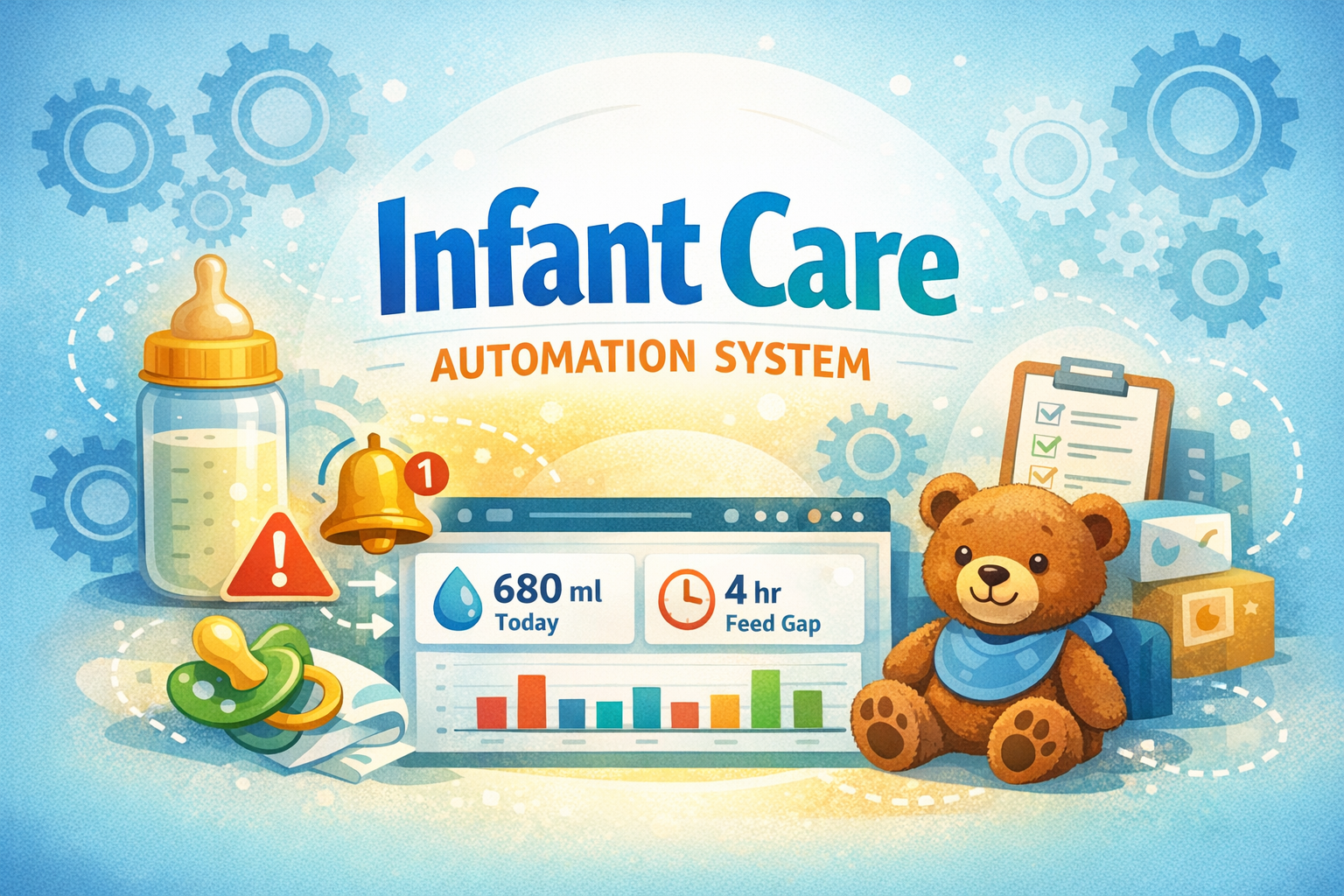
The most critical system component was feed gap monitoring.
Feed Gap Detection Logic
The automation checks the time difference between:
NOW() - Last Feed Entry
If the gap exceeds 4 hours, an alert is triggered.
Scheduled Job Configuration
- Bot Type: Scheduled
- Frequency: Every 30 minutes
- Condition-based execution
This ensured server-side monitoring even if the app wasn’t open.
Night Alert Suppression
One key real-world constraint:
Updating logs overnight is impractical.
So a night-safe suppression window was implemented:
Mute Window: 12 AM – 6 AM
Expression logic:
NOT(
IN(
HOUR(NOW() - TODAY()),
{0,1,2,3,4,5}
)
)
This prevented alert fatigue while preserving morning reminders.
Final Alert Condition
AND(
ISNOTBLANK(MAX(Data[FeedDateTime])),
(NOW() - MAX(Data[FeedDateTime])) >= "004:00:00",
NOT(IN(HOUR(NOW() - TODAY()), {0,1,2,3,4,5}))
)
📊 Observability Layer
To make the system actionable, dashboards were added:
- Daily intake totals
- Pivoted feed summaries
- Color indicators:
| Intake Range | Indicator |
|==========|========|
| < 600 ml | Red |
| 600–700 ml | Blue |
| > 700 ml | Green |
This provided at-a-glance nutritional monitoring.
🔔 Notification Design Principles
Alerts were designed with DevOps signal-to-noise thinking:
- Threshold-based triggers
- No repeat spam windows
- Context-aware messaging
- Actionable notification text
Example alert:
> 4 hr gap since last feed 🚨
> Update log if feeding done 🍼
👥 Multi-User Observability
Since both parents logged entries:
- Real-time sync was enabled
- Shared dashboards ensured visibility
- Reduced coordination gaps
🚀 Deployment Philosophy
There was no traditional deployment pipeline.
Instead:
- Sheet schema updates acted as migrations
- AppSheet version sync handled releases
- Automation changes were tested via bot monitors
A true no-ops deployment model.
🧠 Engineering Lessons
This small system reinforced several production design principles:
1. Reliability over feature depth
A stable tracker beats a feature-rich unreliable app.
2. Alert fatigue is real
Night suppression was essential.
3. Automation reduces mental load
Especially in high-fatigue environments.
4. Context-aware systems win
Time windows mattered more than raw alerts.
📌 Current Status
The system is now feature-frozen:
- Feed logging active
- Gap alerts active
- Dashboards operational
- Health logs manual
Development is paused — the system is stable and serving its purpose quietly.
Closing Thoughts
Sometimes the most meaningful systems we build aren’t designed for scale.
They’re built for reliability in the moments of life where stability matters the most.
And the same DevOps principles we apply to infrastructure…
work just as well in real life.
Application Images